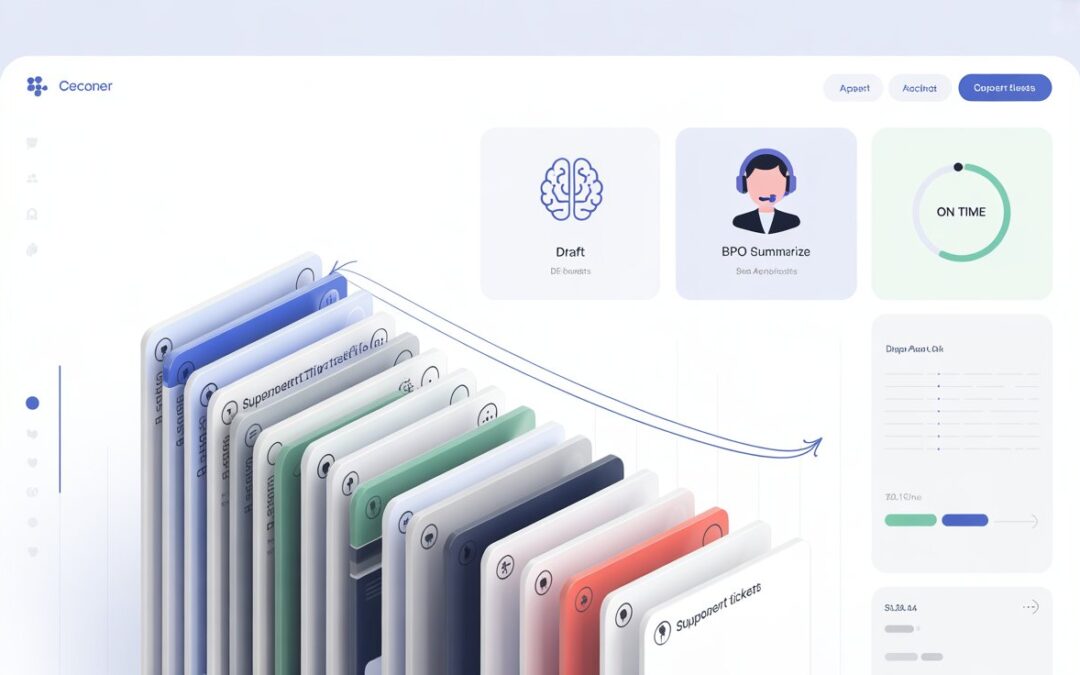
AI Powered Customer Support Outsourcing: How AI-Assisted BPO Agents Cut Ticket Backlogs for Scaling SaaS Startups
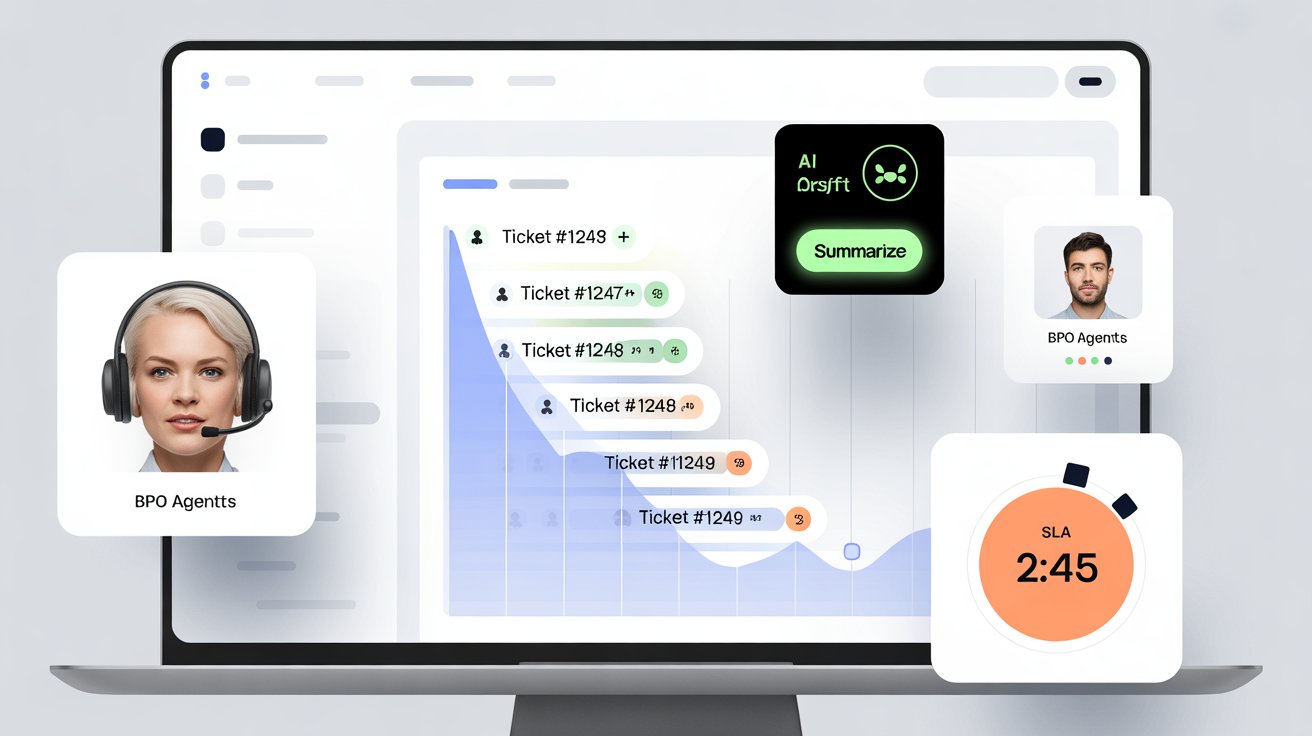
If you’re a scaling SaaS startup, your backlog usually doesn’t explode because your team is “lazy.” It explodes because volume grows faster than your process.
New feature releases create new question types. Bugs spike tickets overnight. Trials increase “how do I…?” chats. Meanwhile, your best agents get pulled into meetings, escalations, and product feedback loops.
That’s why AI powered customer support outsourcing is becoming the practical middle path: you don’t replace humans with bots, and you don’t hire 10 new agents overnight. You build a hybrid AI and human support team where AI handles speed + routing, and trained BPO agents handle judgment + empathy.
This article breaks down exactly how AI powered customer support outsourcing works, what tools matter, and how AI-assisted BPO agents can reduce ticket backlog for SaaS without breaking quality.
Why ticket backlogs hit SaaS startups harder than other businesses
SaaS support has three backlog accelerators:
Complexity grows weekly: New features = new ticket categories.
Customers expect instant replies: In-app chat and email response expectations are high.
Escalations are expensive: L2/L3 time is limited, and every interruption slows product delivery.
When you don’t fix the root cause, the backlog becomes a loop:
slower replies → 2) more follow-ups → 3) more tickets → 4) more churn risk.
That’s where AI powered customer support outsourcing changes the math by improving first-response speed, triage accuracy, and repeatability.
What “AI assisted call center agents” actually means (no hype)
A lot of blogs treat AI as magic. In real operations, AI assisted call center agents means:
AI drafts answers from your knowledge base
AI tags and routes tickets to the right queue
AI summarizes long threads for faster resolution
AI detects sentiment and urgency
Humans approve, personalize, and resolve
So the system doesn’t “auto-reply to everything.” Instead, it makes agents 2–3x faster—especially for repetitive SaaS questions like onboarding, billing, integrations, and password/access issues.
That’s the core benefit of AI powered customer support outsourcing: you buy speed + coverage without sacrificing control.
How AI powered customer support outsourcing cuts backlogs (the 6-lever framework)
1) Faster triage (the #1 backlog killer)
Backlogs often start at the top of the funnel: wrong routing.
With SaaS helpdesk automation plus BPO, AI can auto-detect:
category (billing, bug, onboarding, integration)
customer tier (trial, SMB, enterprise)
urgency (login failure vs feature request)
language and sentiment
Then AI assisted call center agents pick tickets from clean queues instead of wasting time reading everything.
Result: fewer “reassignments,” faster first replies, and quicker time-to-resolution—key to reduce ticket backlog for SaaS.
2) AI-first drafts + human approval (speed without mistakes)
Most SaaS tickets are not truly unique—they’re variations of common issues.
In AI powered customer support outsourcing, the workflow looks like this:
AI suggests a reply based on verified KB articles + past approved answers
The agent checks accuracy, adds customer context, and sends
If the issue needs L2, AI generates a clean summary for escalation
This improves:
agent productivity
consistency of answers
training speed for new hires
It’s also the safest way to run a hybrid AI and human support team.
3) Deflection for repetitive questions (without hurting CX)
Deflection isn’t “hide the contact button.” It’s giving customers a better option.
With SaaS helpdesk automation plus BPO, you can:
show relevant help articles inside the ticket form
offer quick-answer bots for common topics (password reset, SSO setup, invoices)
route complex issues to humans immediately
Your BPO team still supports customers, but your ticket volume drops because fewer issues become tickets in the first place.
That is a direct lever to reduce ticket backlog for SaaS.
4) Backlog sprints (a proven outsourcing play)
When your queue is already flooded, you need a short-term “clearance strategy,” not just better future workflows.
A strong AI powered customer support outsourcing partner runs backlog sprints:
1–2 weeks focused on old tickets
canned macros + KB updates for speed
daily QA sampling so quality doesn’t crash
trend reporting to eliminate repeat issues
This is exactly where Impeck Telecom AI enabled support can be positioned: a process-driven, sprint-based cleanup model that restores SLA quickly.
5) Smarter escalations (protect your L2/L3 bandwidth)
Escalations often become mini-backlogs because L2 lacks context.
In a mature AI powered customer support outsourcing setup:
AI summarises the full thread + key steps attempted
AI extracts logs or environment details (when available)
Agents use a checklist before escalating
Your product/engineering team gets fewer “fluffy escalations” and faster reproduction steps—so fixes ship sooner, reducing future tickets.
6) Continuous knowledge improvement (the compounding advantage)
Backlog reduction isn’t one-and-done. The best teams build a loop:
1.Identify top 10 ticket drivers
2.Improve KB + macros
3.Train agents with examples
4.Automate tagging/routing
5.Track resolution improvement weekly
This compounding loop is what makes AI powered customer support outsourcing outperform “just hiring more agents.”
The tool stack that makes AI powered customer support outsourcing work
Tool 1: Helpdesk platform
What it does: centralizes tickets, SLAs, views, macros, and reporting.
What to look for: tagging, automation rules, SLA timers, role-based permissions, QA sampling.
Tool 2: AI agent assist (drafts + summaries)
What it does: proposes replies, summarizes long threads, extracts key details.
What to look for: KB-grounding (answers must cite your sources), approval workflows, safe-mode controls.
Tool 3: Knowledge base + macro library
What it does: standard answers + fast responses.
What to look for: version control, easy editing, internal + public articles, search quality.
Tool 4: Ticket routing + prioritization automation
What it does: routes by topic, tier, sentiment, and urgency.
What to look for: flexible rules, fallback queues, audit logs.
Tool 5: QA and coaching system
What it does: monitors accuracy, tone, and compliance.
What to look for: scorecards, sampling, feedback loops, calibration sessions.
Tool 6: Analytics dashboard
What it does: shows backlog trends and what’s actually improving.
What to look for: backlog size, aging tickets, first response time, resolution time, CSAT, reopens.
This tool stack is the backbone of AI powered customer support outsourcing and supports real outcomes—not just “AI adoption.”
Implementation plan (beginner-friendly): 14-day rollout for SaaS
Here’s a practical rollout that works even if you’re new to outsourcing.
Days 1–3: Define scope + guardrails
Pick 1–2 channels (email + chat, or email only first)
Choose ticket types for BPO ownership (onboarding, billing FAQs, basic troubleshooting)
Document escalation rules to L2/L3
Days 4–7: Build the “golden KB”
Create 30–50 core answers (your top issues)
Add macros for greetings, troubleshooting steps, next actions
Train AI assisted call center agents on tone + product basics
Days 8–10: Turn on AI assist (approval mode)
AI drafts answers, humans approve
Start tagging + routing automations
Launch QA sampling immediately
Days 11–14: Backlog sprint + reporting
Clear older tickets using macros + structured workflows
Report weekly: top drivers + gaps in KB
Expand coverage once your metrics stabilize
This is how you safely scale a hybrid AI and human support team.
Real-world example: reducing backlog without hiring internally
Scenario: A SaaS startup grows trials from 300 to 1,200/month. Support volume spikes, and “how do I integrate?” tickets flood the queue.
With AI powered customer support outsourcing:
AI routes integration tickets into a dedicated queue
AI drafts replies using integration KB articles
Agents personalize and confirm setup details
L2 receives escalations with clean summaries + attempted steps
Outcome: faster first response, fewer reopens, and a steady drop in aging tickets—exactly how you reduce ticket backlog for SaaS.
If you’re positioning your brand, phrase it like:
“Sparkline Telecom AI enabled support combines AI agent-assist with trained BPO agents to reduce backlog, improve SLA, and protect your engineering team.”
FAQs
1) Is AI powered customer support outsourcing safe for complex SaaS products?
Yes—when AI is used as assist, not auto-pilot. The safest model is AI assisted call center agents with human approval and clear escalation rules.
2) How fast can this reduce ticket backlog for SaaS?
Backlog relief can start within 1–2 weeks if you run a backlog sprint, apply routing automation, and standardize answers through a KB + macros.
3) Will AI answers be inaccurate?
They can be—if you let AI answer without grounding or review. In AI powered customer support outsourcing, require KB-grounded drafts and human approval for customer-facing responses.
4) What’s the biggest mistake startups make with SaaS helpdesk automation plus BPO?
They outsource without documentation. If your KB and escalation rules are weak, agents will struggle. Fix process first, then scale.
5) How do we measure success for a hybrid AI and human support team?
Track: backlog size, ticket aging, first response time, resolution time, reopens, CSAT, and escalation rate quality.
If your SaaS startup is scaling and support is lagging, the fix isn’t “work harder.” It’s building a system.
AI powered customer support outsourcing works because it improves triage, speeds up replies with agent assist, reduces repeat tickets through automation, and keeps quality stable with QA and reporting.
If you want a structured rollout with measurable backlog reduction and a clean operating model, position your solution as Impeck Telecom AI enabled support—a practical blend of AI + trained agents built for SaaS scale.